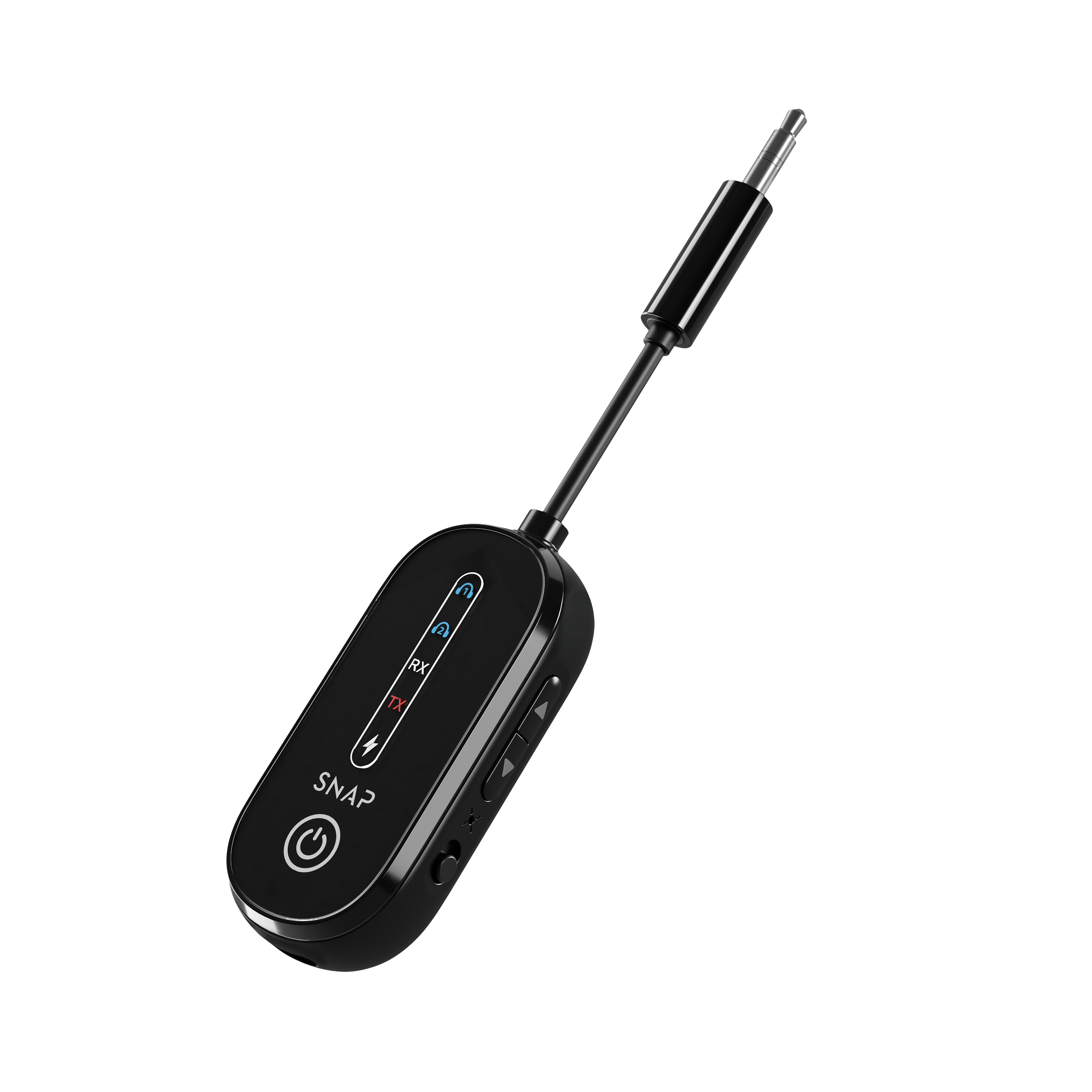
Key Features & Description
Meet the AiraSound – the travel essential designed to make flying easier and your audio clearer. Powered by Bluetooth 5.4, it lets you connect any Bluetooth headphones or earbuds to the in-flight entertainment system, so you can skip the airline headphones and use your own. With 7 to 9 hours of playtime, it's built to last the entire flight. And thanks to dual connectivity, you and a friend can listen to the same movie or show at the same time.
Next Gen Bluetooth 5.4
Powered by the latest Bluetooth 5.4 technology, the AiraSound delivers a faster, more stable connection and clearer audio quality on every flight.
Dual Device Connectivity
Connect two Bluetooth devices at the same time and share the in-flight entertainment experience with a friend or family member sitting next to you.
Go Completely Wireless
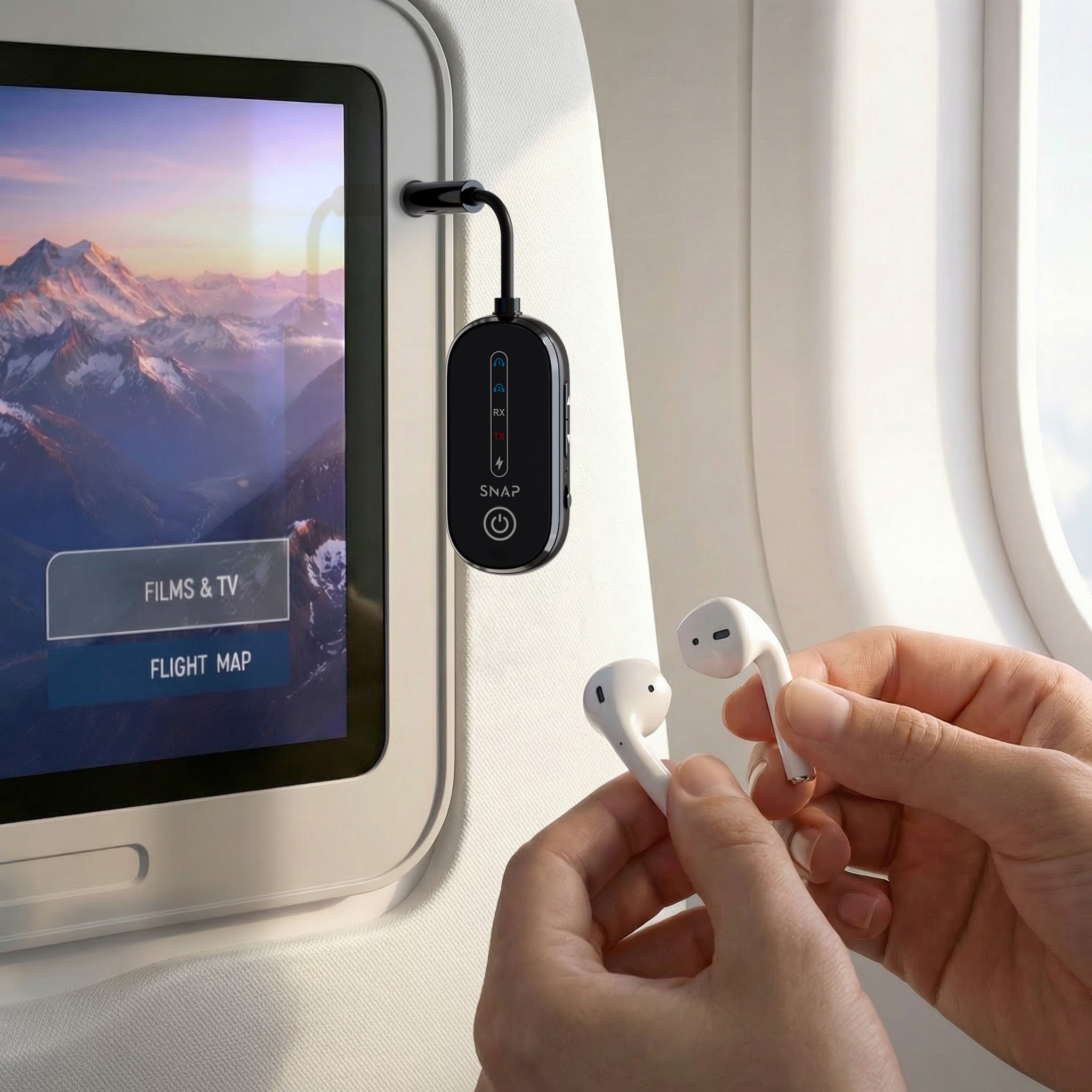
Plug the AiraSound into your seat's AUX audio jack, pair your wireless headphones or earbuds, and enjoy cable-free audio for the entire flight.
7–9 Hours of Playtime
A 320mAh battery gives you 7 to 9 hours of continuous audio — enough to last most long-haul flights from takeoff to landing.
Unboxing and Tutorial
Tech Specs & Compatibility
Tech Specs
Model: AS-WAA
Battery Capacity: 320mAh
USB-C Input: 5V-1A
Bluetooth Version: 5.4
Bluetooth Range: <10M
Audio Input: AUX (3.5mm)
Compatibility
The AiraSound is compatible with all Bluetooth-enabled headphones and earbuds. It connects to any in-flight entertainment system with a standard 3.5mm AUX audio output.
Please note: some older aircraft use a dual-pin (PJ-055) audio jack instead of a standard 3.5mm jack. A dual-pin adapter is not included in the box. If you're travelling on an older aircraft, we recommend checking with your airline or bringing a dual-pin to 3.5mm adapter.
What's Included
What's included in the box?
-
AiraSound
-
USB-C Charging Cable
FAQs
How does the AiraSound work?
The AiraSound plugs into the 3.5mm AUX audio output on your seat's in-flight entertainment screen. Once connected, it transmits the audio wirelessly via Bluetooth to your headphones or earbuds — no wires needed.
Can I connect 2 devices at once?
Yes. The AiraSound supports dual Bluetooth connectivity, so two people can pair their own headphones and listen to the same audio simultaneously.
How often do I need to charge my AiraSound?
The AiraSound has 7–9 hours of playtime on a full charge, which is enough for most flights. We recommend charging it fully via the included USB-C cable before your trip.
Can I use any Bluetooth headphones with the AiraSound?
Yes. The AiraSound is compatible with any Bluetooth-enabled headphones or earbuds.
Does it work if the entertainment screen is built into the seat in front of me?
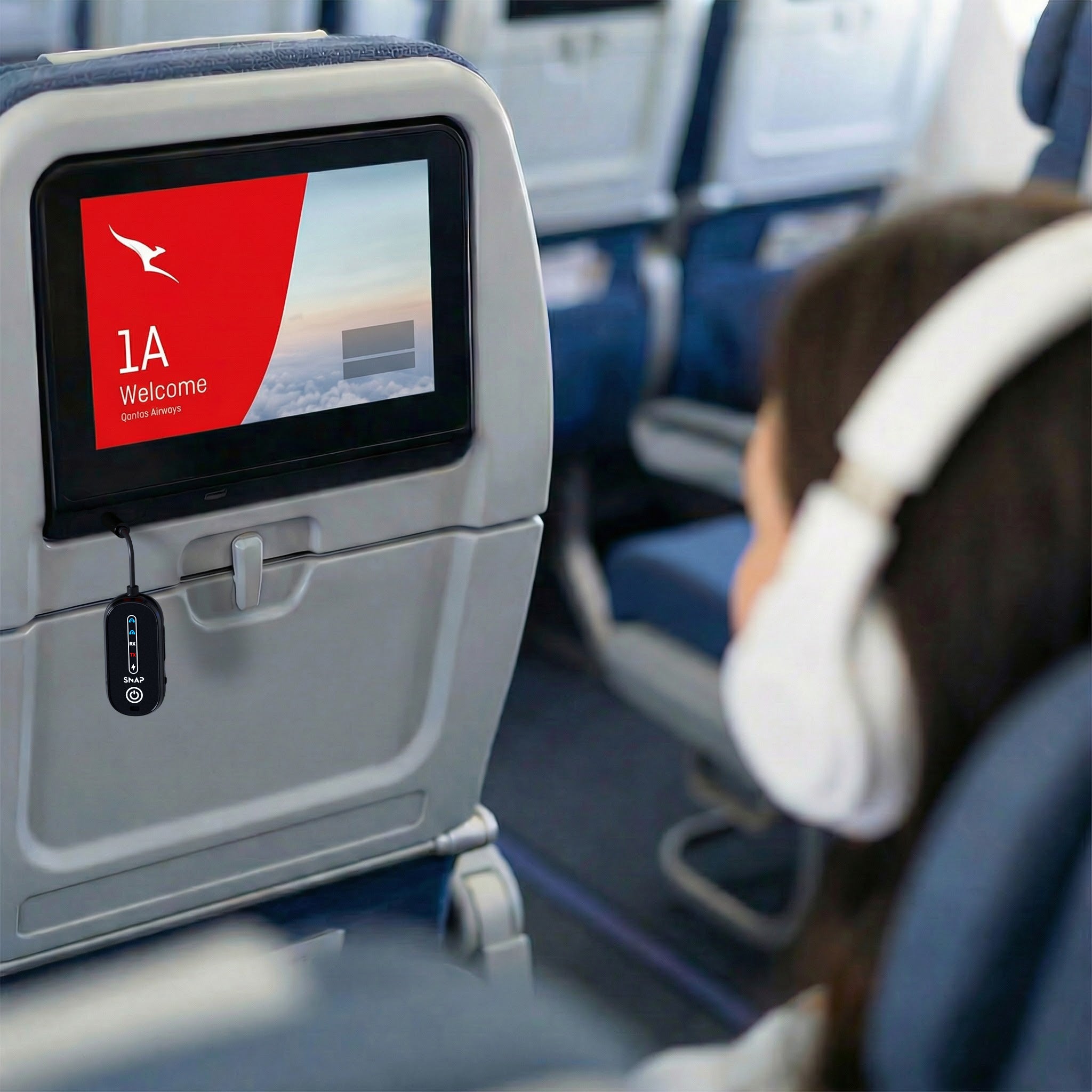
Yes. On most aircraft the AUX output is located either on the armrest or on the entertainment screen itself. If your screen is embedded in the seat back, plug the AiraSound directly into the AUX port on that screen rather than the armrest.
My aircraft has a dual-pin audio jack — will the AiraSound work?
The AiraSound uses a standard 3.5mm AUX connection. Some older aircraft use a dual-pin (PJ-055) jack instead. A dual-pin adapter is not included, but these can be purchased separately. If you're unsure, check with your airline before your flight.
Can I use the AiraSound outside of a plane?
Yes — the AiraSound works with any audio source that has a 3.5mm AUX output, including TVs, gym equipment, in-car entertainment systems, and more.
Is the AiraSound allowed on planes?
Yes. The AiraSound is a low-power Bluetooth device and is permitted on commercial flights. Use it in accordance with your airline's guidelines around Bluetooth device use during the flight.
Troubleshooting
My headphones won't pair with the AiraSound
• Pairing Mode: Make sure the AiraSound is in pairing mode. Refer to the tutorial video above for step-by-step instructions.
• Forget and Re-pair: On your headphones, forget the AiraSound from your Bluetooth settings and attempt to pair again from scratch.
• Distance: Keep your headphones within 10 metres of the AiraSound during pairing.
• Pair One at a Time: If connecting two devices, pair the first device fully before attempting to pair the second.
The AiraSound isn't picking up audio from the seat
• Check the Port: Ensure the AiraSound's AUX cable is fully inserted into the seat's audio jack. Press it in firmly — a loose connection is the most common cause.
• Screen vs Armrest: On some aircraft the audio port is on the entertainment screen rather than the armrest. Try plugging directly into the screen if the armrest isn't working.
• In-Flight Volume: Check that the in-flight entertainment volume is turned up on the screen itself.
• Dual-Pin Jack: If the seat only has a dual-pin jack, the AiraSound's standard 3.5mm plug won't connect without an adapter.
The battery died before my flight ended
• Always Charge Before Flying: Fully charge the AiraSound via USB-C before your trip. A full charge provides 7–9 hours of playtime.
• No Battery Indicator: The AiraSound does not have a battery level indicator. If audio cuts out mid-flight, the battery may be depleted. Unfortunately it cannot be charged and used simultaneously.
Returns & Warranty
Every SnapWireless product is covered by our 60 Day Return Policy and a 24-month Product Warranty. For full details: